
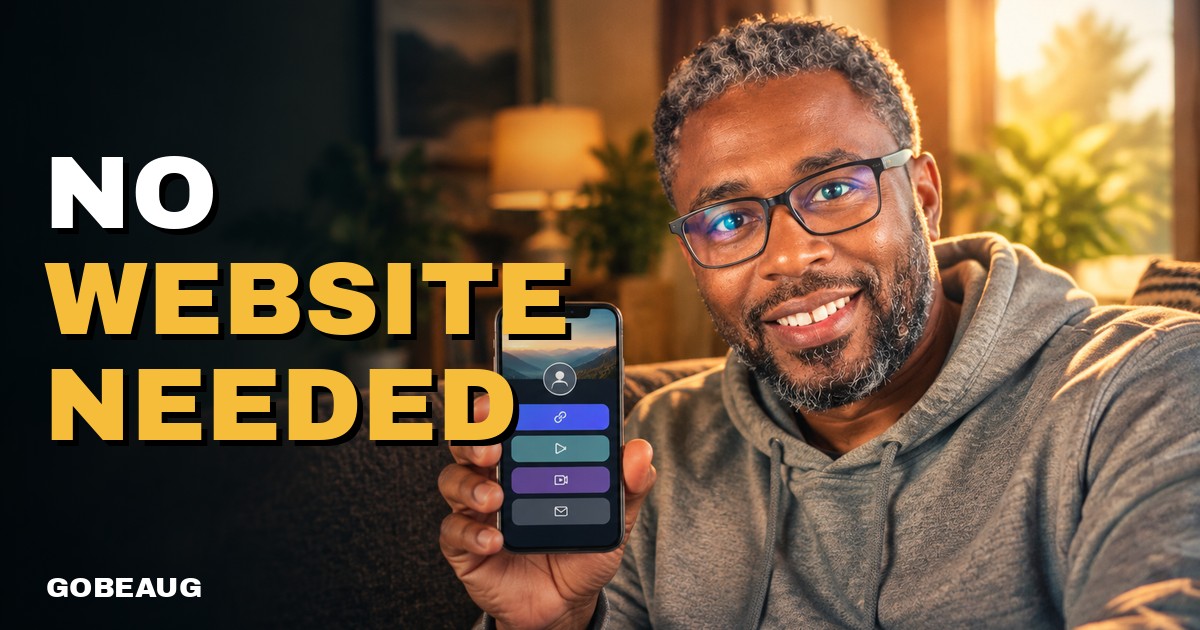
Do I Need a Website or Just a Link Page for Affiliate Marketing?
No, beginners don't need a full website for affiliate marketing. A simple link page you control is enough to start. Here's how to choose between the two.

Sammy Beaugard
Disclosure: Some links in this post are my referral links. If you join through them, I may earn a commission at no extra cost to you.
Do you need a website to start affiliate marketing? No. Most beginners can start with a simple link page, one page that holds your links, your story and a way for people to reach you, and add a full website later if you ever need one. What you do need is one place you own where your links live, so you are not starting over every time an app changes its rules.
I built GoBeaug Links around that idea, and I'll show where it fits after the honest answer.
Why beginners get stuck on "Do I need a website?"
A lot of advice starts with "first, build your website." For a beginner, that turns into a long list: domain name, hosting, a theme, a page builder, an About page, email. Weeks go by and nothing has been shared.
So people either quit before they start, or paste raw affiliate links all over social media. The second looks spammy, can break platform rules, and leaves you with nothing if an account gets limited.
The real question is not "website or no website." It is: where will people land when they click my link, and do I control that place?
Website vs. link page: what's the difference?
Here is the plain-English version.
- A website is a full site with many pages, usually on your own domain name. It is great for long articles, a blog with lots of posts, and building search traffic over time. It also usually means a yearly domain fee, monthly hosting, and more to learn and maintain.
- A link page (often called a "link in bio" page) is one simple page with your photo, a short intro and buttons to the things you want people to see. You put that one link in your social profiles, your email signature, your business card and your videos.
On day one, a link page does most of what a website would: one clean place to go, room for more than one link, and more trust than a bare affiliate link.
If you are not sure where to send people yet, my post on where you can share your affiliate link walks through the options.
What beginners usually try (free and paid)
Being fair, here are the common choices:
- Free link in bio tools. Well-known ones like Linktree let you make a basic link page for free. They are quick and fine for testing. The free versions usually limit design and analytics, and they do not include things like a blog or follow-up tools.
- A self-hosted website. The most control and the most work. You pay for a domain and hosting, and you are the one who keeps it updated.
- Only social media. Free and easy, but you are renting space that can disappear.
That last point is personal for me. For about ten years I built my business around one company, National Wealth Center. When the owner retired and shut it down, I lost every contact I had, names, emails and phone numbers, because I never backed anything up. That is why I care so much about owning your home base, whatever tool you use.
Where GoBeaug Links fits
I built GoBeaug Links for people, especially people over 50 like me, who want something simple they understand: a real digital product, no monthly fees and no complicated plan. Here is how it lines up, as listed when I wrote this:
- Link Builder and link in bio: your one link page to put everywhere.
- Website and blogging system: when you are ready for more than one page, you can post articles without setting up hosting yourself.
- Business card with QR code and video follow-up cards: so people you meet in person can find your page too.
- Analytics and referral tracking: so you can see which links people actually click.
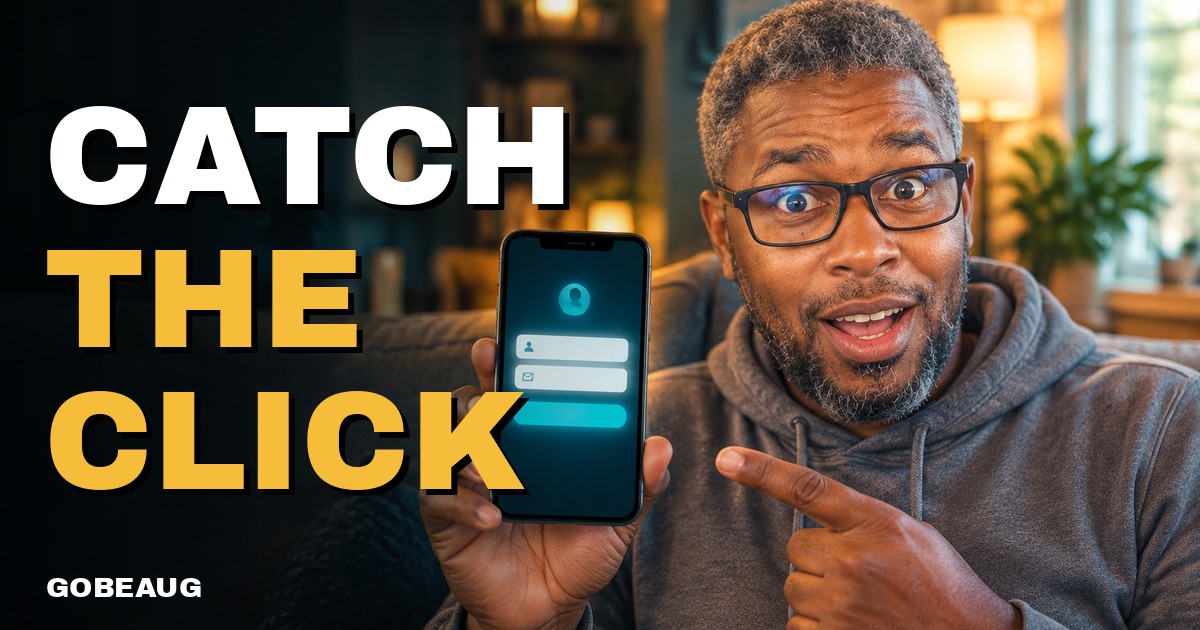
- Leads & Follow-Up (optional add-on): capture pages and ready-made follow-up emails, so you can start building a list you can download. You pick a design; the words are pre-written.
There is a free Social level with the community, profile, groups, messages and resources. The link page, website and blogging tools come with Pro. Want the full breakdown of what you really need? Read what tools beginners really need for affiliate marketing.
Who should use a link page, and who needs a full website
A link page is enough if you are brand new, you mostly share through social media, video, email or in person, and you want to start this week instead of next month.
A full website makes more sense if you plan to write lots of long articles, you want full control over design and code, or you already know your way around hosting.
You may not need either yet if you are still choosing a niche or a program. In that case, a free link page is plenty while you learn. If cost is your worry, my post on how much it costs to start affiliate marketing breaks it down.
Whatever you choose, disclose your affiliate links. The Federal Trade Commission requires it, and it builds trust.
Quick facts
- What it is: GoBeaug Links, a link page, website and blogging system for beginners, plus a community.
- Cost: Social is free. Pro is $40 a year through January 1, 2027, then $300 a year for new members, as listed when written.
- What you get with Pro: Link Builder, link in bio and website, blogging system, business card with QR code, analytics and referral tracking, all Page Generators and training.
- Billing: paid yearly, no automatic renewal. You can start free and move up anytime.
- Who it is for: beginners who want one simple home base they control.
- Pay plan: there is also a referral plan. Results vary, and many people earn nothing.
Check the current details on the official page before you buy.
Frequently asked questions
Can I do affiliate marketing without a website?
Yes. Many beginners start with a link page or a simple blog instead of a full website. What matters is having one place you control where people can find your links and your story.
Is a link in bio page the same as a website?
Not quite. A link page is usually one page with buttons to your links, while a website has many pages. For most beginners, a link page is enough to start.
Can I put my affiliate link directly on social media?
Sometimes, but some platforms limit or flag bare affiliate links. Sending people to your own link page first is cleaner and lets you share more than one thing. Always disclose that it contains affiliate links.
Is a free link page good enough?
For testing, yes. Free tools are a fine place to begin. Paid tools usually add things like a blog, analytics, follow-up and more design control, so pick based on what you will actually use.
Start with one page you own
You do not need a big website to begin. You need one page you control and the habit of sharing it. If you want a link page, website and blog in one place, take a look at GoBeaug Links and start free.
What has kept you from starting: the website, the cost, or something else? Tell me in the comments.
Results vary. Your results depend on your own effort, skills and situation, and many people earn nothing.
Keep reading
- Tools and CostsWhat Tools Do Beginners Really Need for Affiliate Marketing?
Beginners need fewer affiliate marketing tools than they think: a home base you own, a way to follow up, a way to share content and basic tracking.
- Tools and CostsHow Much Does It Cost to Start Affiliate Marketing?
Affiliate marketing can cost nothing to start. Costs come later from tools like a domain, email service or ads. Here is what you need and what you can skip.
- Leads and EmailWhat Is a Capture Page? A Simple Guide for Beginners
A capture page is a simple one-page form that trades something useful for a visitor's name and email, so you can follow up later instead of losing them.
- Leads and EmailWhy Do Affiliate Marketers Build an Email List?
Affiliate marketers build email lists because social followers can vanish overnight, but a list lets you follow up and keep in touch with people you own.
Loading comments…