
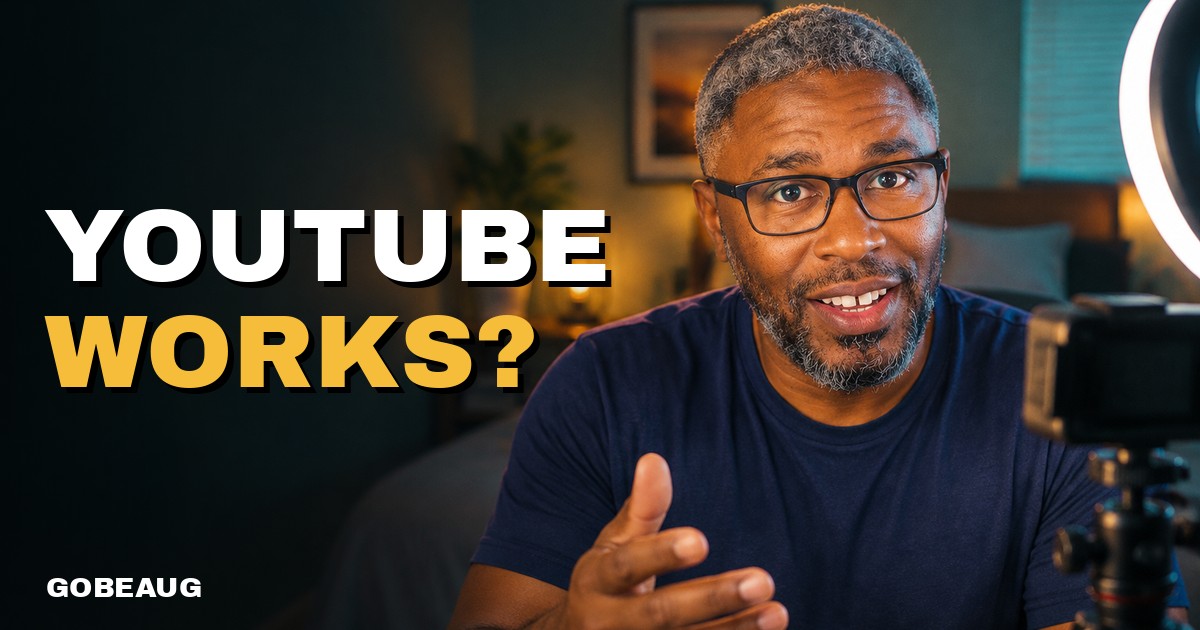
Can You Do Affiliate Marketing on YouTube? An Honest Guide
Yes, you can do affiliate marketing on YouTube, even without monetization. Put your link in the description, disclose it, and make helpful videos.

Sammy Beaugard
Disclosure: Some links in this post are my referral links. If you join through them, I may earn a commission at no extra cost to you.
Yes, you can do affiliate marketing on YouTube, and you don't need to be monetized or have a big channel to start. You make helpful videos about a problem, put your affiliate link (or one page that holds your links) in the description, and tell viewers plainly that it is an affiliate link. It is slow, honest work, and many people who try it earn nothing, so treat it as a long-term habit, not a quick win.
I've been in affiliate marketing since 2012. Here is what I wish someone had told me about YouTube at the start.
Why people ask "can I do affiliate marketing on YouTube?"
Most beginners hit the same wall: they have a link and nowhere to send people. Posting it on Facebook feels pushy, and friends and family stop answering. YouTube looks different because people go there to search. Somebody types "how do I build an email list" or "best budget microphone" and YouTube shows them videos that answer it.
On YouTube you are not chasing people. You answer questions they are already typing, and those who want more can click your link.
The catch: YouTube is crowded. Videos with no clear topic, poor sound or a hard sell usually get few views.
Can I do affiliate marketing on YouTube without monetization?
Yes. This is one of the most searched versions of the question, and the answer surprises people.
- Monetization means YouTube pays you a share of ad money. To get into the YouTube Partner Program you have to meet requirements, such as a minimum number of subscribers and watch hours, as listed by YouTube when this was written.
- Affiliate links are different. They are your own links in the video description. As far as I know, YouTube does not require you to be monetized to add them, as long as you follow its rules on spam and misleading links.
So a brand-new channel with 12 subscribers can still share an affiliate link. Check YouTube's current Community Guidelines and policies yourself, because platforms change their rules.
How to do affiliate marketing on YouTube, step by step
Here is the simple version I'd give a friend who is 55 and has never uploaded a video.
- Pick one topic you can talk about for a year. Not "making money." Something like budget cooking, gardening for beginners, or simple tech help for seniors.
- Make videos that answer real questions. Type your topic into YouTube's search bar and look at the suggestions that drop down. Those are things people actually search.
- Teach first, mention the link second. Spend most of the video being useful. At the end, say something like "the tool I use is linked below."
- Put one clear link in the description. Many people use a single link page so viewers can find everything in one spot instead of a messy list.
- Disclose it, out loud and in writing. Say it in the video and write it near the top of the description. I wrote a whole post on how to disclose your affiliate links if you want the plain-English rules.
- Keep going. One video rarely changes anything. A library of helpful videos tends to get found over time.
You don't need a fancy setup. A phone, a quiet room and a cheap clip-on microphone are enough to start. Sound matters more than the camera.
What about affiliate marketing on YouTube Shorts?
Shorts can bring a lot of eyes, but links in Shorts descriptions are not clickable the way they are on regular videos (as of when this was written). Most people use Shorts to get noticed, then point viewers to a longer video or to the link in their channel profile. Think of Shorts as the handshake and long videos as the conversation.
If you'd rather not use social apps at all, my post on affiliate marketing without social media covers other routes.
Where YouTube falls short, and where a home base helps
YouTube can bring visitors, but you don't own your channel. Rules change, videos get buried, and accounts can be limited. I learned the hard way what it means to not own anything: I built my business inside one company for about ten years, and when the owner retired and shut it down, I lost every contact because I had never backed anything up.
That is why I built GoBeaug. The Pro level gives you a link in bio page and website to put in your YouTube description, a blogging system so your videos can also live as blog posts, thumbnail prompts, analytics and referral tracking, and video follow-up cards, as listed when this was written. There is also an optional Leads & Follow-Up add-on inside the back office for capture pages and follow-up emails. You can start free and look around inside GoBeaug before deciding anything.
To be fair: if you only want to try YouTube, you can start with a free YouTube channel and a free link page from many places. GoBeaug fits people who want one simple home for their links, blog and list. It is not a traffic machine, and it doesn't guarantee views, leads or sales. For more free ways to get eyes on a link, see how to get free traffic to your affiliate link.
Quick facts
- Can you do affiliate marketing on YouTube? Yes. Put your link in the video description and disclose it.
- Do you need to be monetized? No, affiliate links are separate from YouTube's ad program, as far as I know when this was written.
- Shorts links: Not clickable in the Short's description as of this writing; use your channel profile or a longer video.
- GoBeaug Pro: $40 a year through January 1, 2027, then $300 a year for new members, as listed when written. Social is free.
- Who it fits: People willing to make helpful videos for months on one topic.
- There is also a referral plan. Results vary, and many people earn nothing.
Check the current details on the official pages before you buy anything.
Frequently asked questions
Can I do affiliate marketing on YouTube without showing my face?
Yes. Many channels use screen recordings, voice-over, or hands-only shots. Clear sound and useful steps matter more than your face being on camera.
How many subscribers do I need to use affiliate links on YouTube?
As far as I know, there is no subscriber minimum for adding a link to your description. The subscriber and watch-hour rules are for YouTube's own ad program. Always check YouTube's current policies.
Is affiliate marketing on YouTube allowed?
Yes, as long as you follow YouTube's rules on spam, scams and misleading links, and you disclose your affiliate links as the FTC requires. Don't use link shorteners to hide where a link goes.
What should I put in my YouTube description?
A one-line summary of the video, your disclosure, and one clear link. A single link page keeps things tidy as you add more programs or resources.
Your next step
Pick one question people search in your topic and record a simple video that answers it this week. If you want one home for your links, blog and list, you can join GoBeaug free and set up your page first.
What topic would you make your first YouTube video about? Tell me in the comments.
Results vary. Your results depend on your own effort, skills and situation, and many people earn nothing.
Keep reading
- TrafficWhere Can I Share My Affiliate Link? A Beginner's Guide
Share your affiliate link on pages you own, like a link page, blog or email list, plus your bio and videos. Follow the rules and always disclose it.
- TrafficCan You Do Affiliate Marketing Without Social Media?
Yes, you can do affiliate marketing without social media. Here are the honest options: blogs, YouTube search, Pinterest, forums, email and word of mouth.
- TrafficThe Blog System I Use to Get Free Traffic and Leads
A blog brings free search traffic to a page you own. Here is the simple blog system I use, what it does, what it costs and who it fits.
- TrafficHow Do I Get Traffic to My Affiliate Link for Free?
Get free traffic to an affiliate link by helping people where they already are: blog answers, short videos, groups and one simple link page. It takes time.



Loading comments…